



Excessive gas usage and boat would not plane

iggyw1

Ensign
Joined
Oct 24, 2011
Messages
955
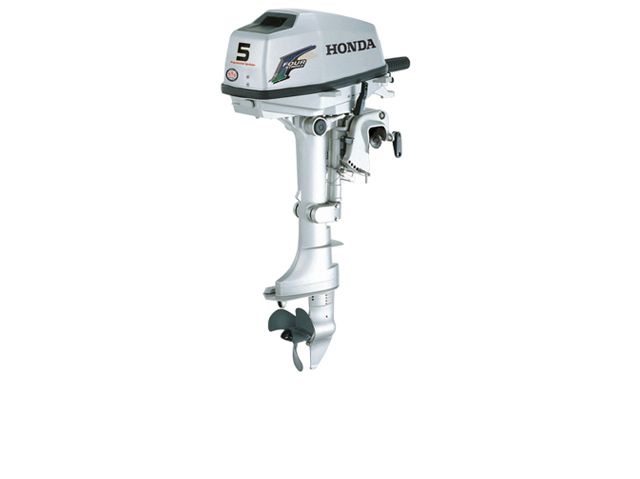
I think the outboard you are running is a known gas hog, I am not 100% certain on this but others would pipe in if you ask these questions in the outboard section of this website. I just remember others saying the same thing about your outboard and it's thirst for fuel. Glad you have her running well, Like Wood suggested there are only so many things that can cause the boat to not run well. Getting her on the right pin on your transom is key. The prop you are using is also very key. Maybe pay attention to the rpm's as you get her on plane next time, this will tell you a lot about the prop and if you have the correct (best) one for your intended use. Running a compression check on your outboard will also tell you if it's really tired and used, or if it still has a bunch of life and just needs some tuning. Have fun dialing her in, sounds like you have made great progress so far. Get some picture up here to share with us.

I would post pictures of my rig but I don't have the foggiest idea of how to do that. My generation had no computers as we grew up and what I know I learned from my kids/grandkids. LOL I will learn from them how to post photos and I will get some on here soon. Thanks. The rig (boat, motor & trailer) was a "barn find" and everything looks great. Motor had problems from not running for a long time. Everything is a 1965. Looks like it came out of a showroom last year!
 

Woodonglass

Supreme Mariner
Joined
Dec 29, 2009
Messages
25,932
Posting Pics to iBoats...
1.) Open a FREE Photobucket account @ www.Photobucket.com
2.) Upload your pics from your PC to your library on Photobucket.
3.) In the upper right corner in Photobucket click on your login name and then click User Settings
4.) In the user settings window At the top select Albums and then in the list, in the LINKS section Check the IMG Code Box. Then Save it and go back to your library
5.) The IMG Code will be displayed under all of your uploaded pics.
6.) Right click the IMG Code to highlight it and then in the pop up window that appears select "Copy"
7.) Now return to iBoats and Paste the IMG Code into your iBoats post. Your picture will appear in full size in your post.

Hope this helps.
 

Woodonglass

Supreme Mariner
Joined
Dec 29, 2009
Messages
25,932
This link with allow you to download a PDF file that I created that has Instructions with Pics that tell you how to use a Free Photobucket Account to put your pics into iBoats. You can PM me if you want or need me to help you with setting up your PB account and uploading your pics. Be glad to assist!!!;)

Posting Pics to iBoats
 
Last edited:

iggyw1

Ensign
Joined
Oct 24, 2011
Messages
955
This link with allow you to download a PDF file that I created that has Instructions with Pics that tell you how to use a Free Photobucket Account to put your pics into iBoats. You can PM me if you want or need me to help you with setting up your PB account and uploading your pics. Be glad to assist!!!;)

Posting Pics to iBoats

Thanks again. I will take some photos and try it out!
 
Top